Microsoft Power Pages
Microsoft Power Pages
Microsoft Power Pages: Features

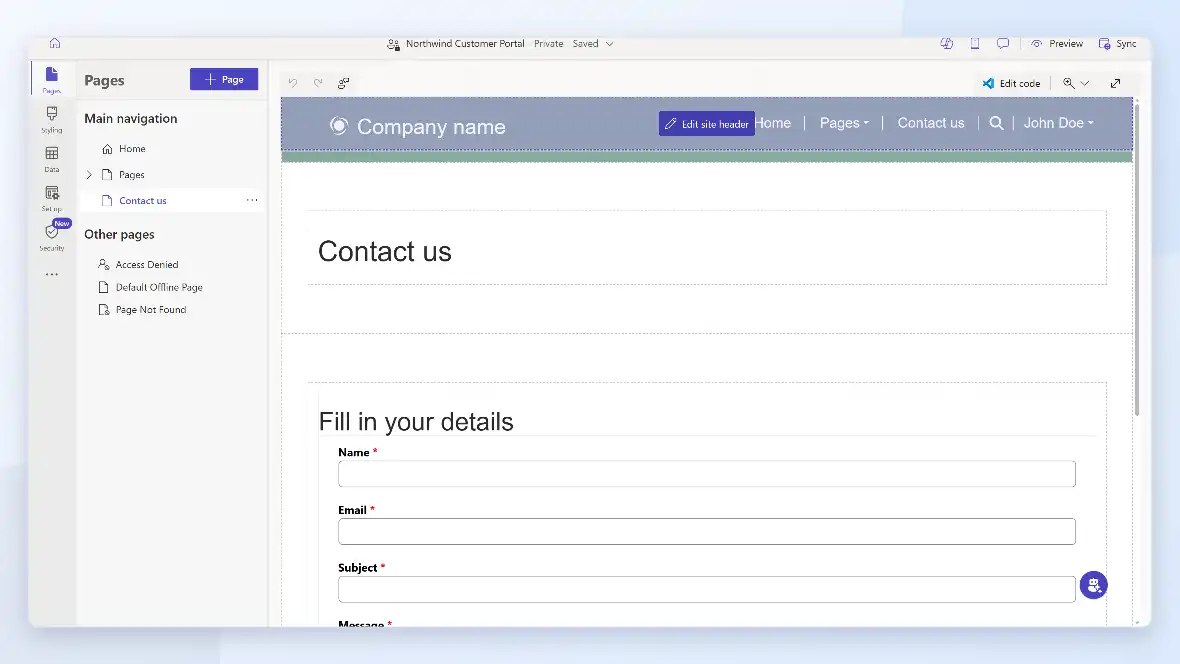


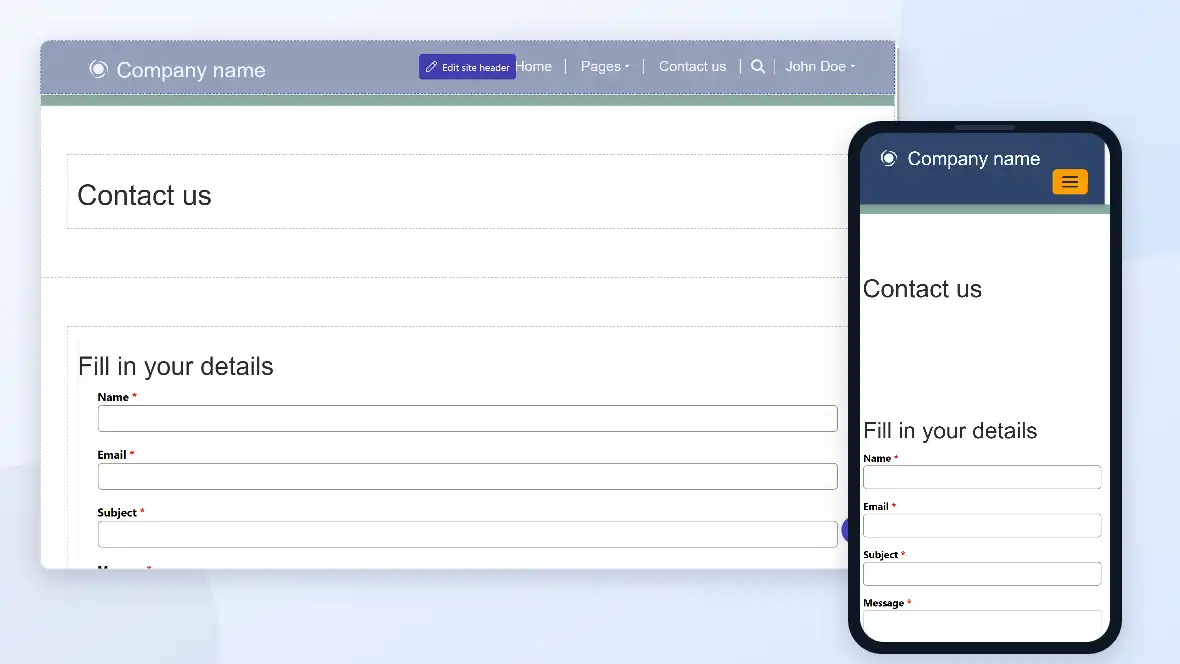
Control who sees what, down to the record and field level, for customers, partners, or employees.
Authenticate through Azure AD, Azure AD B2C, or other identity providers, or leave pages open to the public.
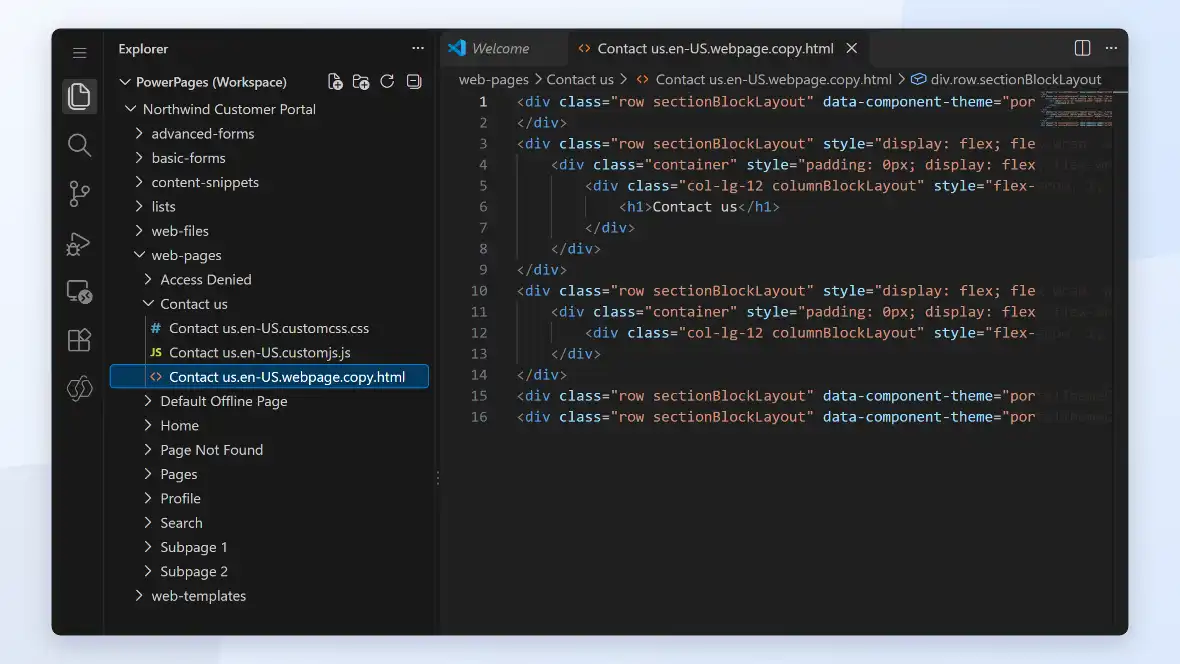
Add custom HTML, JavaScript, or Power Automate flows for anything outside the standard components.
Microsoft Power Pages: How It Works
A portal starts from a template or a blank site in the Power Pages design studio, built with drag-and-drop components rather than a line-by-line rebuild. Once the pages exist, you decide who can see them and what data they connect to, then publish. Anything the no-code builder can’t handle, custom logic, a specific integration, can still be added with code.
01
Design The Site
Connect to data
Pages pull from Dataverse tables, so a submitted form becomes a real record, not an email.
02
Control Access
Set who can see what: public pages, signed-in users, or role-based permissions down to the field level.
03
Publish
The site goes live on its own domain, and content edits publish without a new deployment.
04
Extend if needed
Add custom code, workflows, or Power Automate flows for anything outside the standard components.
05
Microsoft Power Pages: Benefits
A portal changes how much your team has to handle by hand, and how much your customers or partners can do themselves.
Customers check order status, submit requests, or update their own information without calling
in.
A working portal comes from templates and configuration, not a website build from scratch.
Permissions follow the same security model as the rest of your Dynamics 365 environment, not a
separate login system to maintain.

What Xpert Dynamics Does
- We build on Power Platform experience specifically, not general web development ; the same team that takes manual processes to automation across Power Pages, Power Automate, and Power BI.
- We bring custom development depth beyond configuration: custom HTML, JavaScript, and Azure integrations when the standard components aren't enough.
- We work from established delivery playbooks, so an engagement starts from a defined plan, not a standing start.
- We run engagements on agile delivery with clear milestones, not open-ended, black-box timelines.
- We fix portals where access rules were set once at launch and never revisited, so permissions still match who's actually supposed to see what.
- We connect portal submissions properly to Dataverse, so nobody's re-entering form data into the CRM by hand afterwards.
Talk To Us About Support
We help businesses embrace innovation & explore new opportunities.
Please fill out the form & we promise to get back to you ASAP!