Microsoft Dynamics 365 Field Service
Get the right technician to the right job, with the right parts, on the first visit.
Microsoft Dynamics 365 Field Service
Microsoft Dynamics 365 Field Service runs the parts of your service business that happen
away from a desk: scheduling technicians, dispatching jobs, and tracking what happens once someone’s
on-site. Right now that’s probably split across a whiteboard, a phone tree, and whatever a technician
remembers to log after the fact. Field Service puts work orders, technician locations, inventory, and
customer history in one system, so a dispatcher can see the whole job before a technician even leaves
the shop.
How It Works
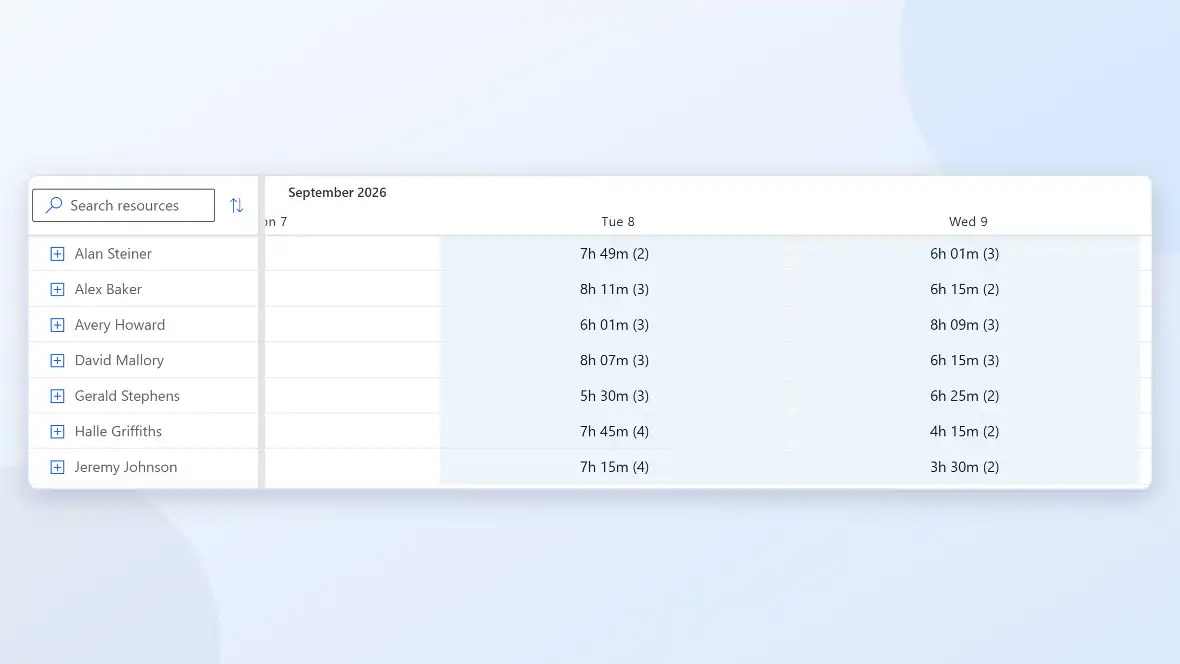
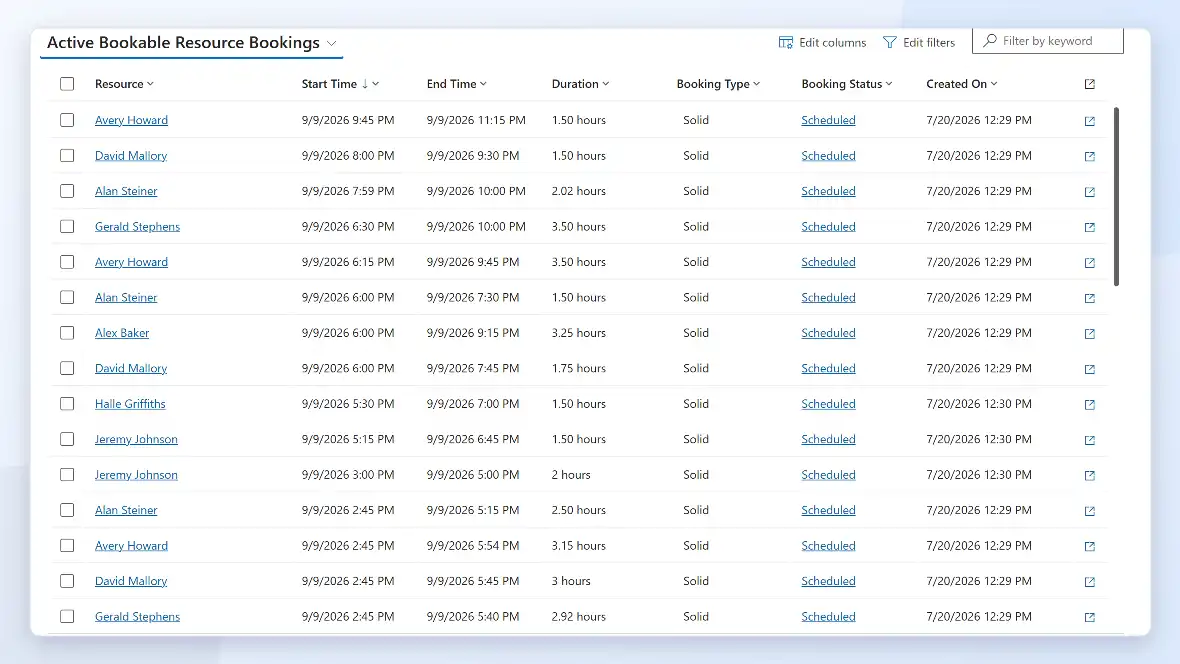
A dispatcher works from one schedule board showing every technician’s availability,
location, and skill set, in a list or on a map, by the hour, day, or week. When a request comes in, the
board flags who’s qualified and closest, and can auto-assign a technician when the schedule is tight.
01
Job Created
02
Scheduled & Dispatched
03
Stock Checked
04
Job Worked
05
Customer Updated
Microsoft Dynamics 365 Field Service: Features
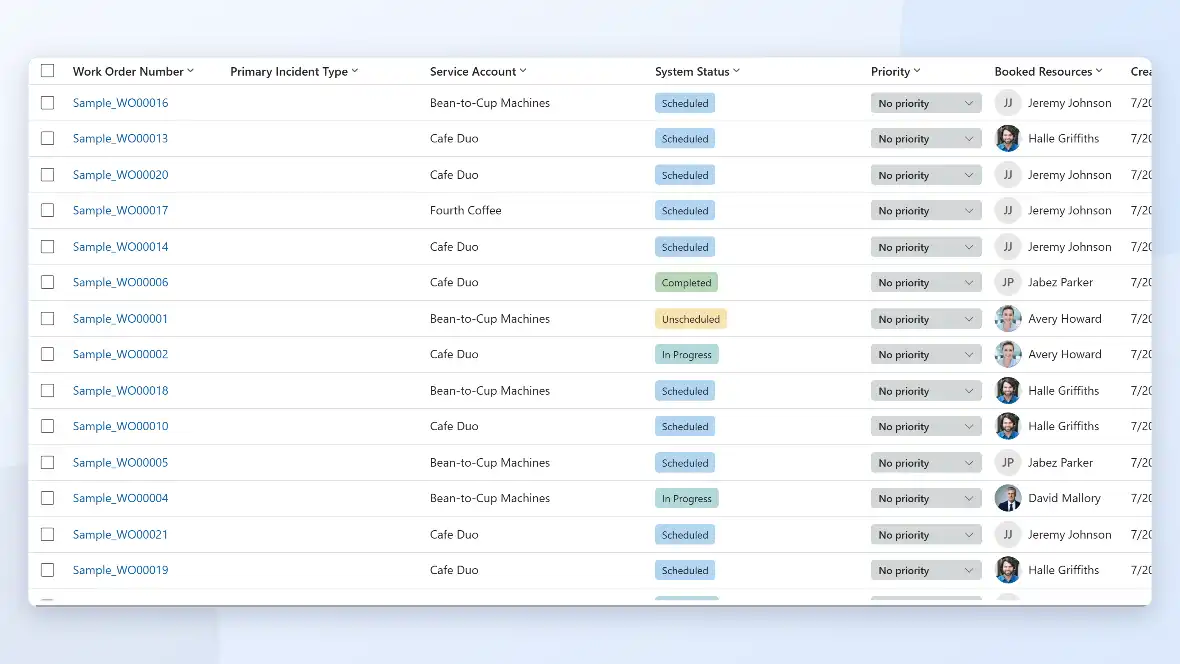
Every job tracked from request to completion, with status, priority, and assigned technician in one
place.
Matches the right technician to the job based on skills, location, and availability.
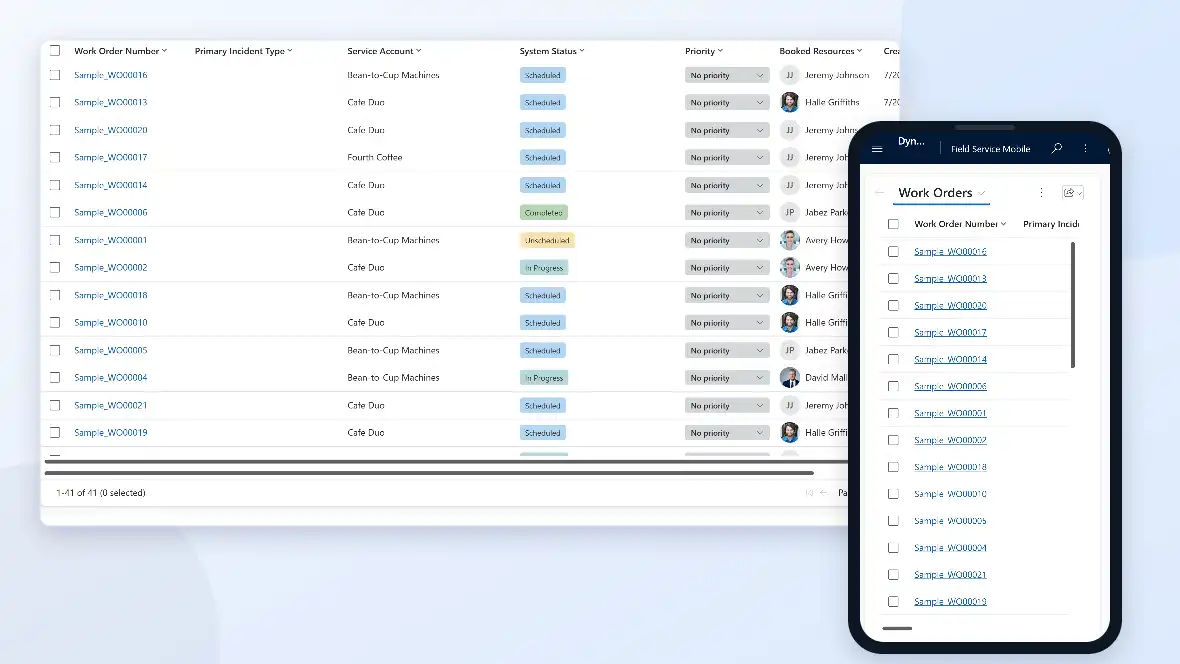
Techs see job details, customer history, and parts lists from the field, including offline.
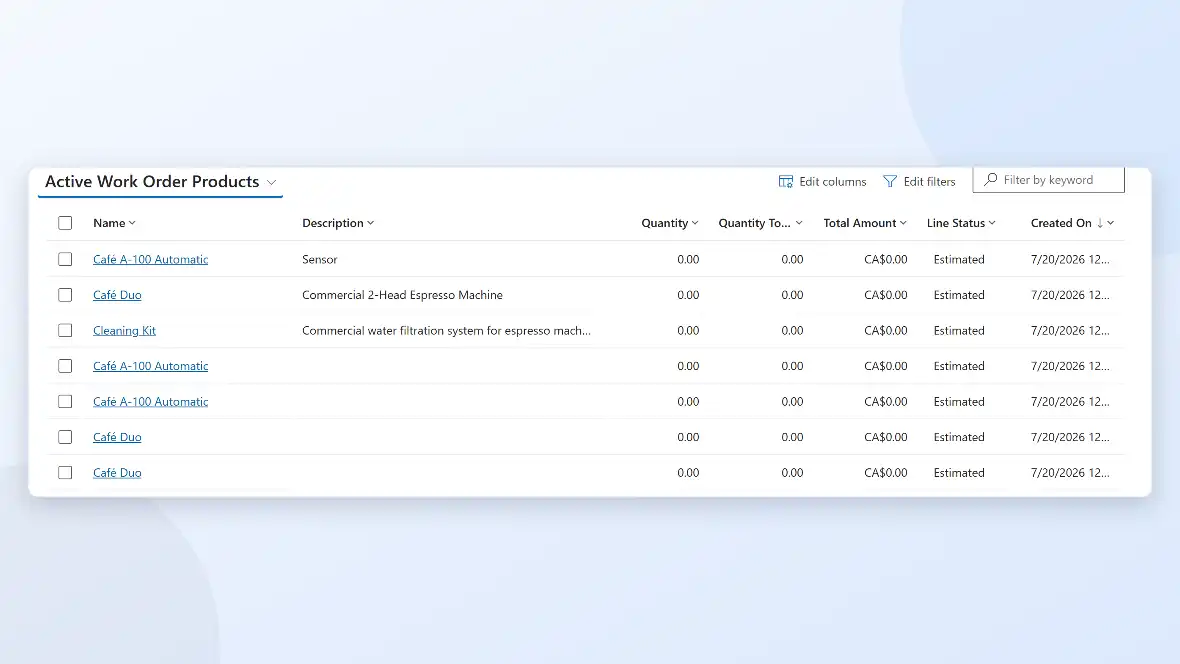
Shows what's on the truck and in the warehouse, so a tech knows what's available before heading out.
Automatic appointment reminders and technician-arrival tracking, so customers aren't left guessing.
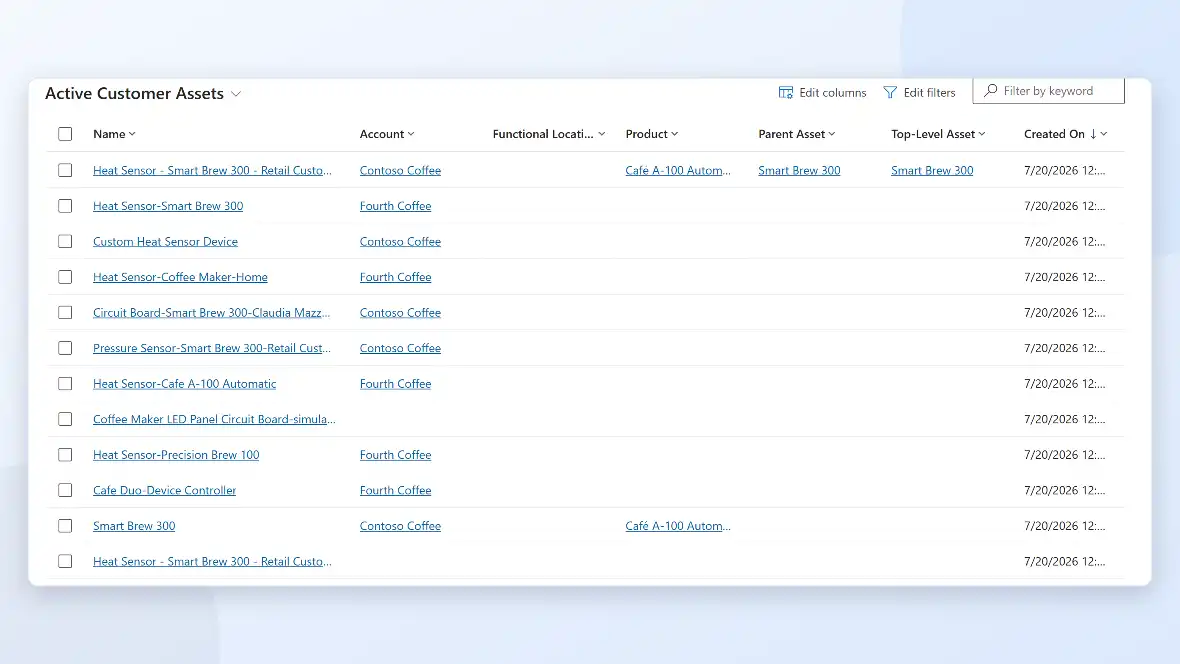
Every asset's service record in one place, useful for warranty checks and repeat issues.
Microsoft Dynamics 365 Field Service: Benefits
Field Service benefits everyone involved in a job: dispatch, technicians, and the customer waiting on them.
Dispatch matches the right technician and parts to the job the first time, instead of sending
someone back for a part they didn't have.
Technicians log work from the field, so a job isn't half-documented by the time someone gets
back to the office.
See where a technician is and what stage a job's at without calling around.
A real appointment window and arrival tracking, instead of an all-day guess.
What Xpert Dynamics Does
- We build on Power Platform experience specifically, not general software development ; the same team that takes manual dispatch and scheduling processes to automation across Field Service, Power Automate, and Power BI.
- We bring custom development depth beyond configuration: Azure integrations and custom scheduling logic when the standard rules aren't enough.
- We work from established delivery playbooks, so an engagement starts from a defined plan, not a standing start.
- We run engagements on agile delivery with clear milestones, not open-ended, black-box timelines.
- We migrate work order and asset history out of paper logs and spreadsheets, so a technician isn't starting from zero on a returning site.
- We revisit scheduling rules that were set up once and never updated as technicians, territories, or skills changed.
Talk To Us About Support
We help businesses embrace innovation & explore new opportunities.
Please fill out the form & we promise to get back to you ASAP!