Staff Augmentation
A Dynamics 365 or Power Platform specialist on your team, for as long as you need one. Your people learn from them from the first day.
Overview
Some Gaps Are Too Short To Hire For.

A release needs an extra developer for a few months. Your only Dynamics admin goes on leave. A new module needs someone who has set one up before. Hiring a permanent person takes months, and the need may be over by the time they start. A contractor found through an agency may know the product, but not how your team works, and what they learn leaves with them.
You get a named consultant. They sit in your team, work on what you care about most, and teach your people as they go, so the knowledge is still there after they leave.
Roles We Provide
What You Get With Our support
Every consultant works on Dynamics 365 and Power Platform day to day. We match the role to the gap you have.
01
Solution Architect
Designs how Dynamics 365 fits your business and your other systems, and reviews the work of the wider team.
Often Used For:
Setting direction on a large project, or checking a design before you build it.
02
Functional Consultant
Sets up Sales, Customer Service, Field Service, or Customer Insights – Journeys, and works with your users on how the system should behave.
Often Used For:
A new module, or a round of changes your users have asked for.
03
Developer
Designs how Dynamics 365 fits your business and your other systems, and reviews the work of the wider team.
Often Used For:
A release with more build work than your team can take on.
04
Power Platform Specialist
Often Used For:
A long list of small app and report requests, or the customer portal that keeps getting pushed back.
How They Fit In
How They Fit Into Your Team
You Stay In Charge
You set the priorities. We make sure the consultant has our wider team behind them.
- They join your stand-ups, planning, and tools, such as your ticket system and chat.
- They follow your standards for code, testing, and releases, or help you set them if you have none.
- They work on your priorities, and those can change as the project changes.
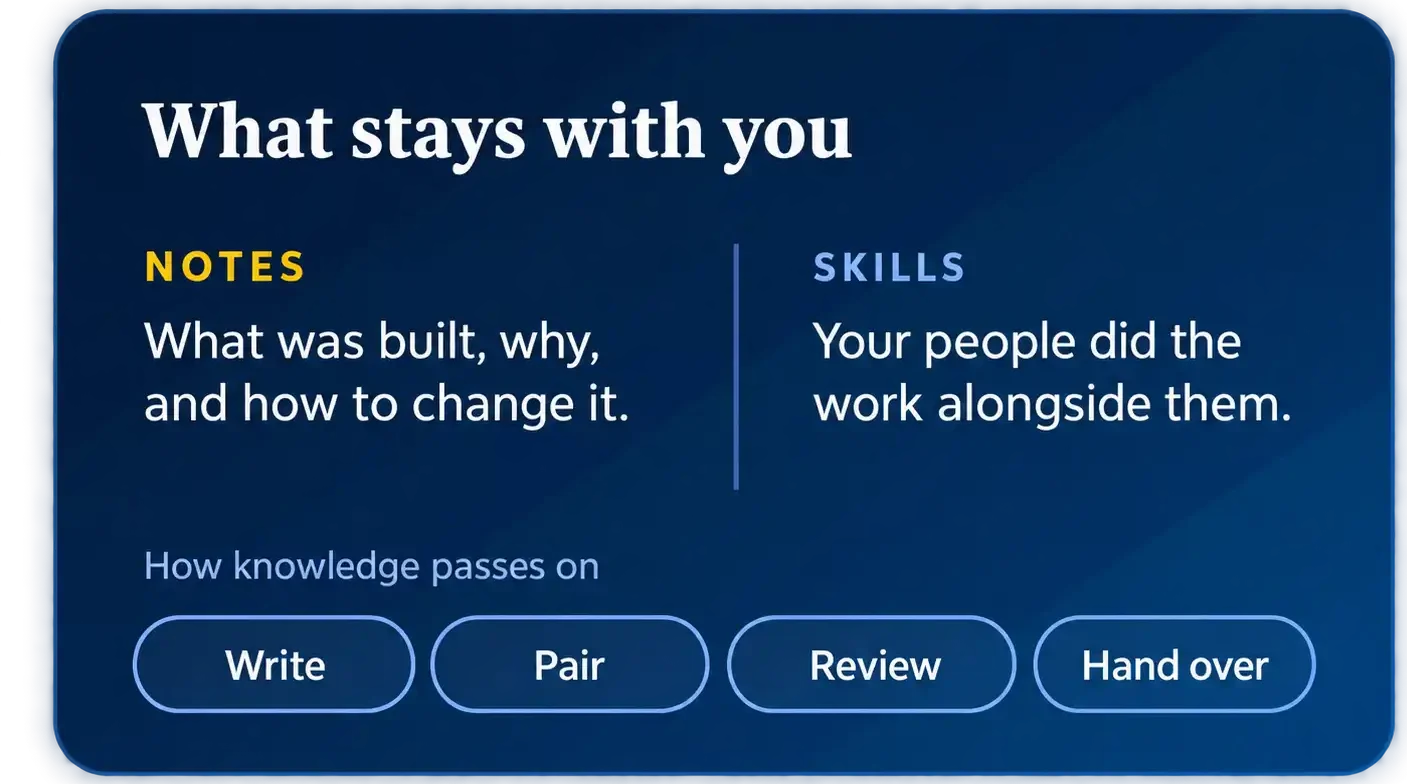
- They write down what they build and decide, in the places your team already keeps notes.
- They work side by side with your people on real tasks, so skills pass on while the work gets done.
- They can call on our wider team for questions outside their own area.
How It Works
How It Works
01
Tell Us
02
Match
03
Start
04
Work
05
Hand Over
Who it's for
Who This Is For


Your only Dynamics admin or developer is leaving, or going on leave.


You want your own people to learn Dynamics 365 while the work gets done.
Handover
Handover Starts On Day One
The usual problem with outside help is what happens when it leaves. The work is done, but the only person who understood it has gone, and your team is left with code and settings nobody explained.
So handover is part of the job from the start. The consultant writes things down where your team keeps its notes, works side by side with your people on real tasks, and runs a final walkthrough before they go. Your team should be able to carry on without them.