Dynamics 365 CRM for Nonprofits
Donors, grants, volunteers and programs all run through your systems. We help make sure Dynamics 365 CRM and Power Platform keep up with them.
Overview
Every Hour Spent On Admin Is An Hour Away From The Mission
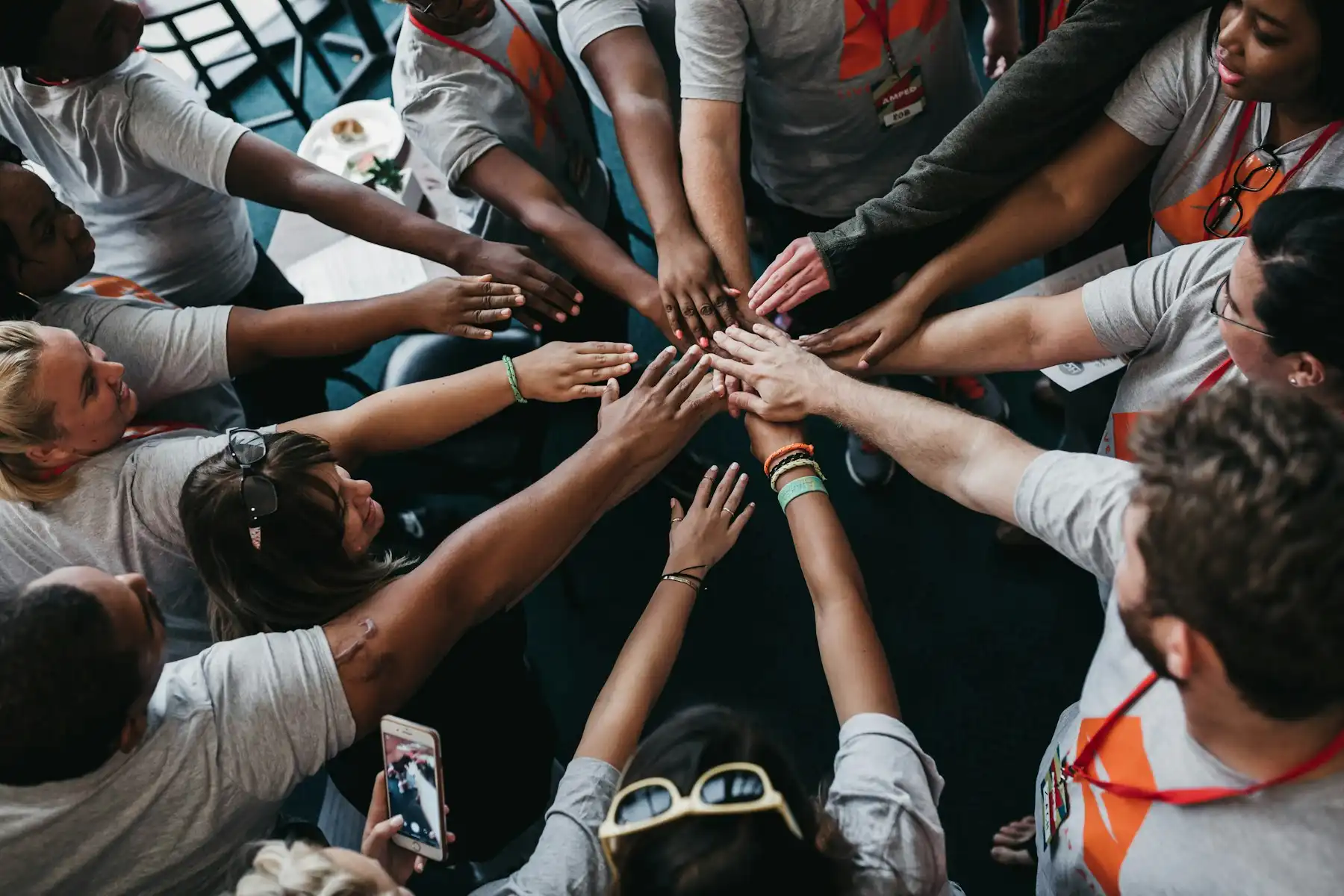
A long-time supporter calls to say they volunteered at last month’s gala. Fundraising has their gifts, the events team has their ticket, and their volunteer shifts are in someone’s spreadsheet. Nobody can see all three, so they get a generic thank-you letter. It’s a small thing, but it is how supporters quietly drift away.
Our work is Dynamics 365 CRM and Power Platform. With nonprofits we usually start from what is already there, often a system built by an earlier vendor or a volunteer. Some weeks the job is repairing a workflow that stopped behaving. Other weeks it is getting the CRM to talk to the fundraising platform, or finishing a project that ran out of funding halfway. If something still works, it stays.
What Teams Get Stuck
Where Non-Profit Teams Get Stuck
Ask a nonprofit team on Dynamics 365 CRM what slows them down and you’ll hear some version of these four. In a quiet month people work around them. During a campaign they cost days.
01
Donor History In Pieces
The donor’s gifts are in the CRM. Their gala ticket isn’t: that’s in the event tool, with last year’s emails in someone’s inbox. So the donor has three profiles, and the major-gifts officer only ever sees one of them.
What We Do:
We give that fan one profile in Dynamics 365 CRM. Seats, membership, the coaching and the suite all show up there, along with what they’ve said yes to hearing about. Ticketing still sells the tickets
02
Grant Deadlines On A Calendar
A funder’s report is due on the fifteenth. The only reminder sits in the program manager’s calendar, and the program manager is away that week. By the time anyone notices, the funder has emailed twice.
What We Do:
We set Dynamics 365 CRM up so every grant has a named owner and a list of what’s due. If a deadline gets close and nobody has touched it, a manager gets told, well before the funder thinks to ask.
03
Volunteers On Spreadsheets
Saturday shifts are the worst of it. Availability lives in one spreadsheet, training in another, and hours in a third. One coordinator ends up holding it all together. If they’re off sick that week, the shifts don’t get filled.
What We Do:
We keep volunteer work in Dynamics 365 CRM instead. Skills, onboarding, shifts and hours all hang off the volunteer’s record, where the next person will look.
04
Board Reports Rebuilt By Hand
The board chair asks how many people the program served this quarter and how much the spring appeal raised. It sounds like a quick question, yet someone spends most of a week pulling the answer out of four systems.
What We Do:
Our Power BI reports read directly from the systems where the work is recorded, which means the numbers are already on screen the next time someone asks.
What We Build
What We Build For Non-Profit Teams
An organization might need one of these, or several. They tend to fit together.

Dynamics 365 CRM
Supporter Management
Every gift that comes in lands on the supporter’s record in Dynamics 365 CRM, with their events and volunteering beside it. A fundraiser can open one view on Monday morning and see who is waiting for a thank-you, and for how long.

Power Apps
Grant Tracking
We build grant tracking on Power Apps. The award, its conditions, the milestones and the funder’s report dates all live on one record. Next year’s renewal starts from it too.

Power Pages
Volunteer Portal
We build the portal on Power Pages. Your volunteer signs in and picks the Saturday shift you need covered. If any training is still to come, the page says so there and then.

Power Automate
Routing and Sign-offs
When one person finishes with a grant report, Power Automate sends it on to the next. Anyone who sits on it gets a nudge. Who approved what, and when, is saved.

Power BI
Board and Funder Reporting
Somebody in the office often loses a Thursday to Excel before each board meeting. We hand that job to Power BI, which reads the source systems itself. The numbers are the same in every report.

Copilot Studio
Answers for Staff
Busy season brings new volunteers, and new volunteers ask the same question over and over: where do I sign in? A Copilot Studio agent answers from your organization’s approved procedures. Senior staff get their time back.
Supporters
One Supporter, One Complete Picture
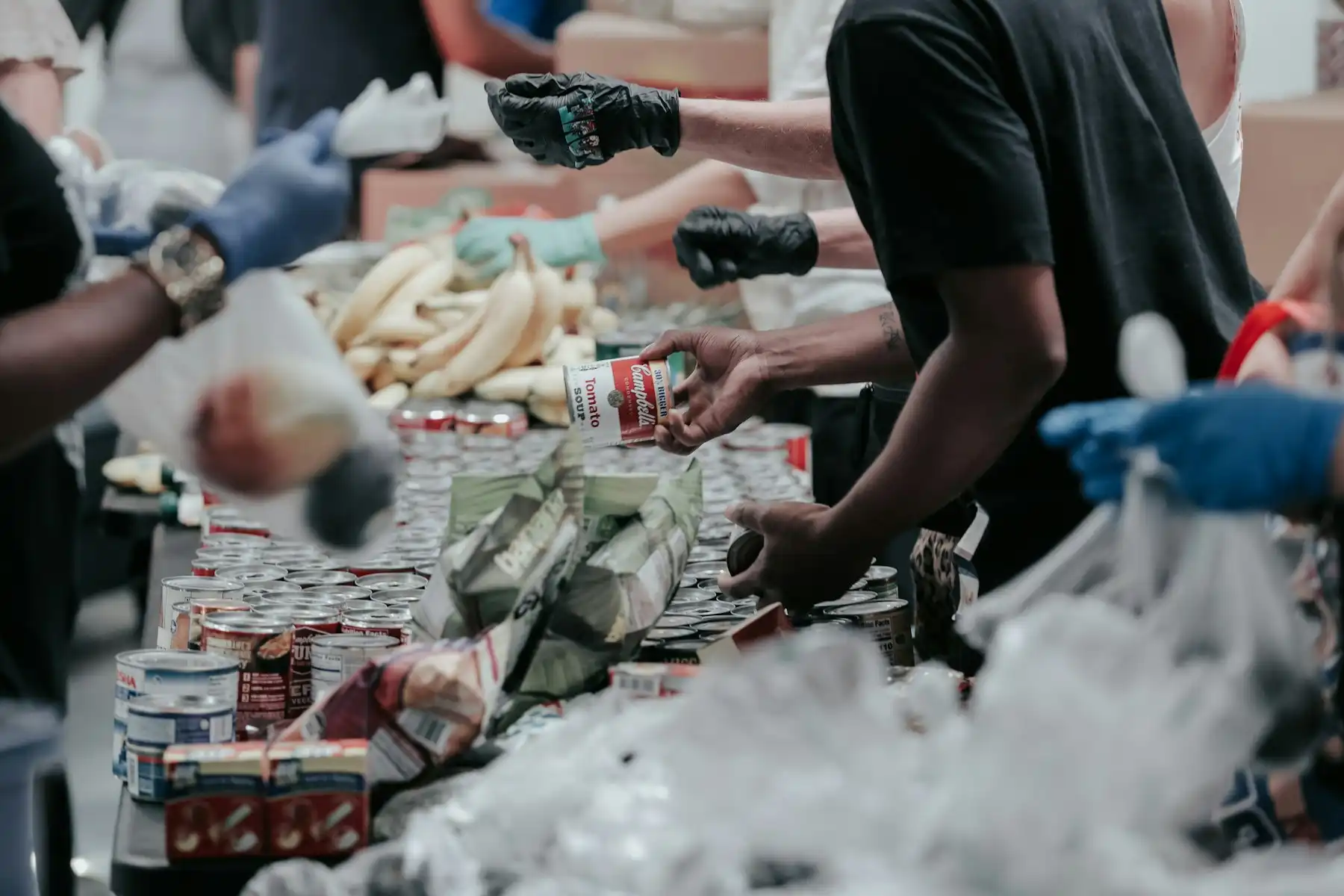
Take Sam. They give twenty dollars a month, bought two tickets to the spring gala and sort tins at the food bank most Saturdays. In a lot of nonprofits Sam exists three times, once per system, and no team sees the other two. It’s how a fundraiser ends up asking Sam for a bigger gift in the very week the volunteer lead is begging for more Saturdays.
We fix that inside Dynamics 365 CRM, and we leave your other tools where they are. Gifts still come in through the fundraising platform and tickets through the event tool, but a copy of each lands on Sam’s record next to the shifts from the volunteer portal. Whoever calls Sam next sees the whole person first.

Services
How We Help Non-Profit Teams
All six of our services apply to nonprofit work. This is roughly where each one fits.
Managed Support & Maintenance
Support at any hour, with written response times, including campaign weekends, gala nights and releases.
Data Migration
We bring your donors, their gift history and your volunteers’ hours over from the old database into Dynamics 365 CRM. We merge the duplicate donors before anything moves.
Custom Development & Integrations
The volunteer portal, the grant app and the board reports above are this kind of work. So is wiring the CRM into your fundraising, payment and event tools.
Legacy System Support
An older or inherited Dynamics CRM kept stable and documented, so the programs that run on it keep moving.
Staff Augmentation
Short of hands for a launch or a long project? One of our Dynamics 365 CRM or Power Platform people can sit inside your team until it is done.
Rescue & Recovery
An independent review of a stalled implementation, and a realistic plan to get it live without starting over.
Why Xpert Dynamics
Why Non-Profit Teams Work with Us
What you can expect from us:
More About Us
Learn more about how we work on the Why Xpert Dynamics page.
- We work inside environments that already exist. Inherited, half-finished and heavily customized systems are normal for us.
- We keep what already works. Your fundraising platform, payment provider and event tool can stay, and we connect them to the CRM.
- You deal with named consultants, and they stay with you. Nobody has to be walked through your setup a second time.
- We write down what we build. People move on from every team, ours included, and the notes stay behind with you.
- We deliver in agile cycles, each with a milestone you agree to up front. You always know what has been finished and what we are working on next.
Yes. We connect Dynamics 365 CRM to other business systems all the time, and fundraising, payment, event and finance tools are no different. Some products have an API, and then the work is straightforward. Others only export files, so we set up a transfer or a sync that runs on a timetable. We check your exact products and versions before we start, and you hear from us what the link will cover and what it won't.
The people you decide on, and nobody else. A volunteer coordinator does not need to see a major donor's giving history, and Dynamics 365 can enforce that with security roles and teams. We set it up around the way your organization is run, and go through it with you before anything goes live.
Yes. We begin by reading through what the last partner built and writing it up, since that is often missing. Urgent problems get fixed next. After that, we agree the plan with you.
Insights
Insights For Accounting Firms
Talk To Us About Your Non-Profit
Tell us about the donors, the grant or the program that’s slowing your team down, and we’ll tell you how we’d fix it.