Legacy System Support
Overview
Old Systems Still Run Real Work.
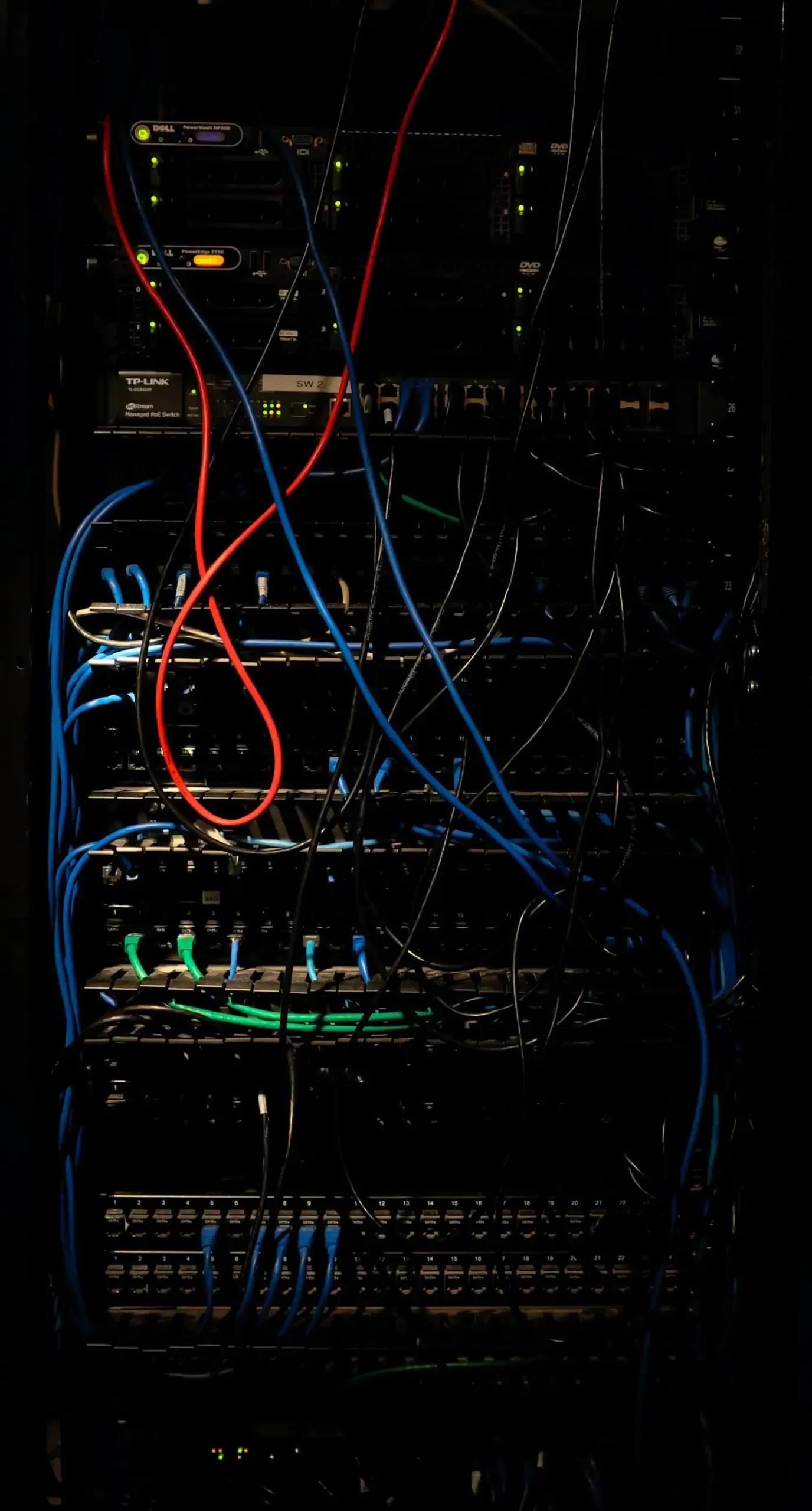
At plenty of companies, an old Dynamics CRM server is still running the business. It is often version 2016 or older, and it still works. But Microsoft no longer supports any of them. The partner who built it may be gone, and the custom work was never written down. Every server patch is a small risk, and fewer people know how to fix things when they break. The system also sits outside most of what Microsoft now builds, such as Power Apps, Power Pages, and Copilot Studio.
Three paths
Three Ways Forward
01
Stabilise
Keep the current system running safely. We fix what breaks, write down how it works, and remove the risks we find, such as jobs that fail every night. Good fit when: The system still does the job, and you are not planning anything bigger for at least a year.
Keep the current system running safely. We fix what breaks, write down how it works, and remove the risks we find, such as jobs that fail every night. Good fit when: The system still does the job, and you are not planning anything bigger for at least a year.
02
Modernise
Move up to a newer on-premises version. You cannot jump straight there from an old release, so we plan and test each upgrade step. Along the way, we replace code that is no longer supported. Good fit when: You need to stay on your own servers, because of policy or other reasons.
Keep the current system running safely. We fix what breaks, write down how it works, and remove the risks we find, such as jobs that fail every night. Good fit when: The system still does the job, and you are not planning anything bigger for at least a year.
03
Move Online
Step by step, you move to Dynamics 365 online and bring your data, custom work, and integrations along. After that, Power BI and Power Automate work straight from the same data. Power Apps, Power Pages, and Copilot Studio do as well. Good fit when: You are done looking after servers and want what Microsoft is building now, Power Platform included.
Keep the current system running safely. We fix what breaks, write down how it works, and remove the risks we find, such as jobs that fail every night. Good fit when: The system still does the job, and you are not planning anything bigger for at least a year.
What we look after
What We Look After
Whatever path you choose, support usually covers:
What We Work On
Older and on-premises Dynamics CRM, including systems several versions behind.
- Errors and failed jobs, including the ones that fail quietly every night.
- Custom work nobody wrote down: plugins, workflows, scripts, and reports. We review it and write it down.
- Integrations with your other systems, so they keep running.
- Some Power BI reports and Power Automate flows may read your on-premises data. They do it through Microsoft's on-premises data gateway, and we look after that link too.
- Regular checks on your CRM servers and SQL Server databases. We watch disk space, confirm backups run, and keep maintenance jobs working.
- Checking Windows and SQL Server updates against your CRM version before they are applied.
- Users, security roles, and access changes.
- Small changes your team still needs while the bigger plan takes shape.
How It Works
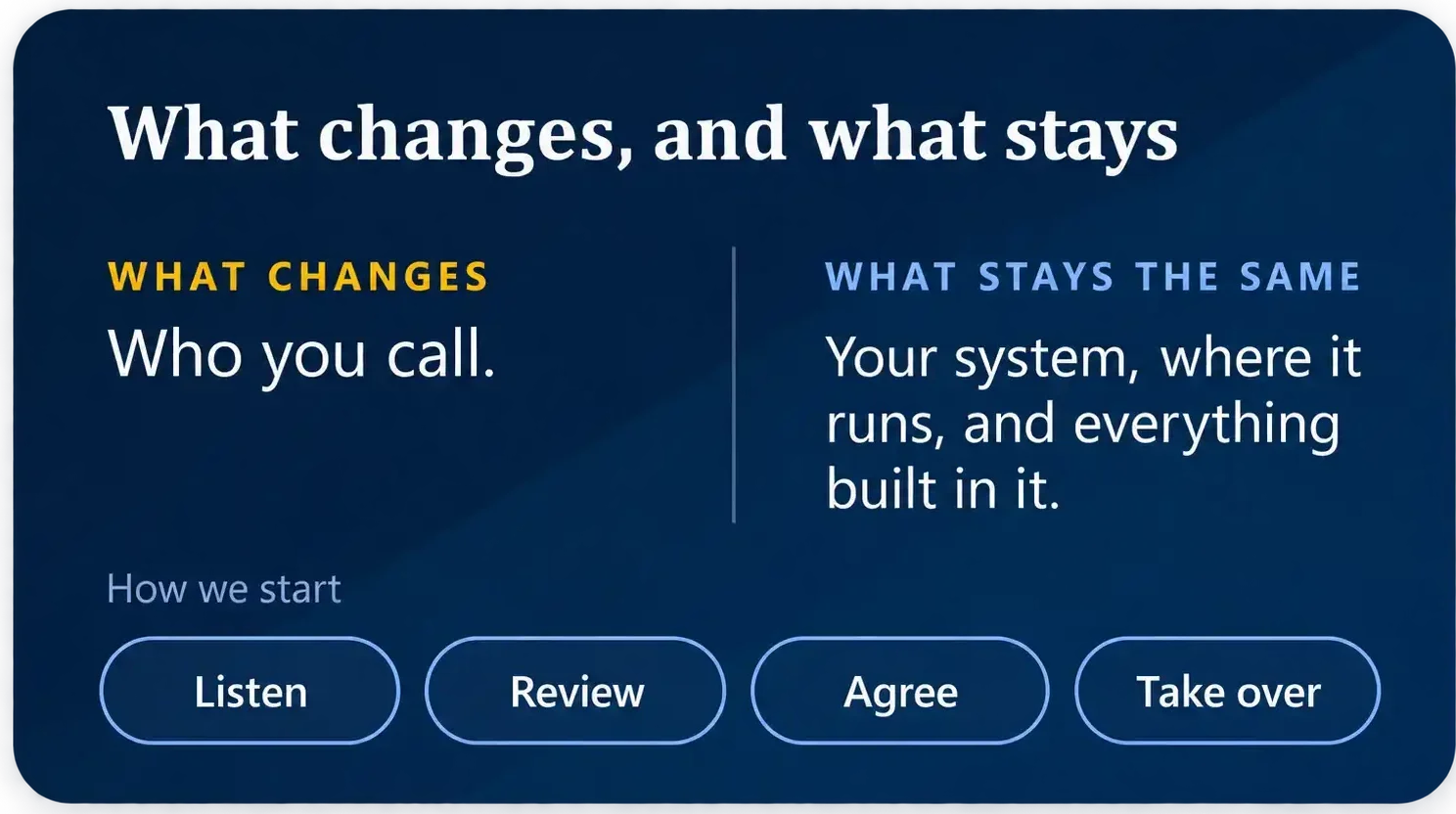
How We Start
01
Review
02
Write Down
03
Stabilise
04
Choose
05
Support
Who it's for
Who It's For
Clients usually come to us when:




Moving Online
Moving Online, When You Are Ready
Most on-premises systems make the move to Dynamics 365 online in the end. Microsoft puts its new features into the online version, including Power Platform and Copilot Studio, and servers need people to look after them. The timing should still suit your budget and your people.
We plan the move in stages. First we check your custom code against what the online version allows. Some code that runs on your own servers is blocked online, such as plugins that write to files on the server. Your data and history move with you, as described on our Data Migration page.