Microsoft Dynamics 365 Customer Service
Every case, every channel, one system instead of an inbox split across your team.
Microsoft Dynamics 365 Customer Service
Microsoft Dynamics 365 Customer Service is a case management platform for handling customer support across every channel email, chat, phone, and self-service from one system. Instead of an inbox and a spreadsheet split across your team, every case, conversation, and customer record lives in one place.
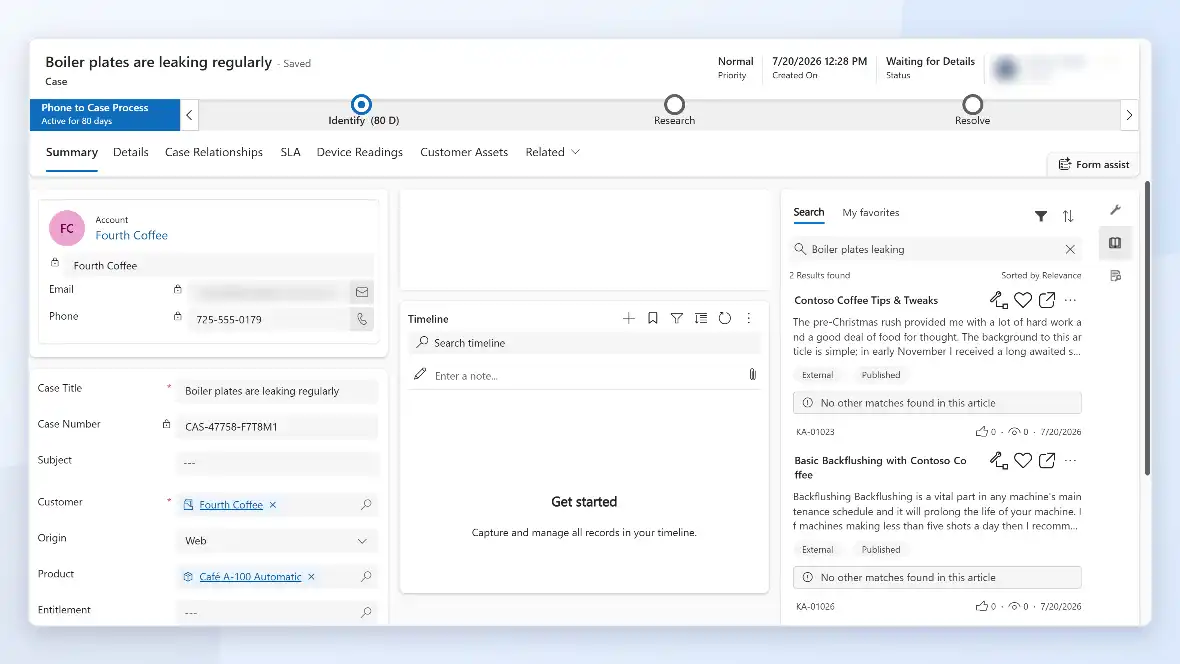
The platform is built around routing cases to the right agent quickly and giving that agent the context needed to resolve them: account history, prior tickets, and suggested articles, visible before they respond. A case handed between agents or across channels keeps its full history, so the customer doesn’t have to repeat themselves.
Microsoft Dynamics 365 Customer Service: Features
Customer Service groups its capabilities around three parts of the job: seeing the full customer picture, supporting agents day-to-day, and giving managers visibility into what’s happening.
- Every case tied to the full history of that customer’s account, not just the current ticket.
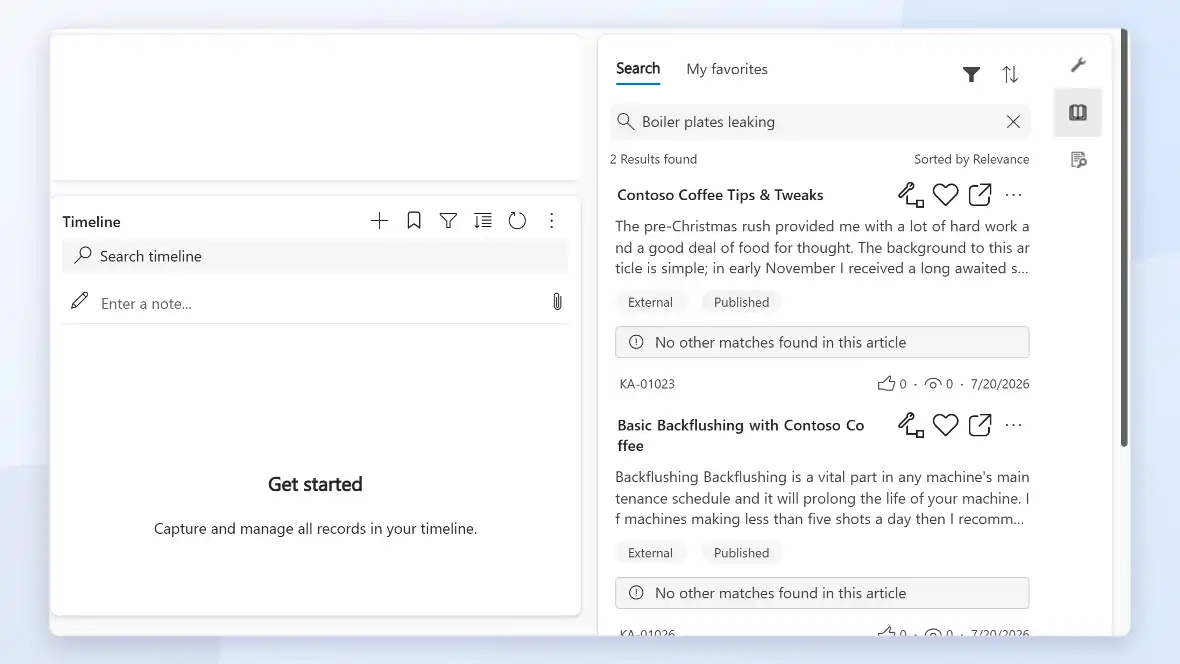
- Relevant knowledge base articles surfaced automatically based on the case details.
- A consistent case experience even when it’s handed off between agents or channels.

- Customers reach you through email, chat, phone, or social, and every channel lands in the same
system. - Case routing based on topic, skill, or channel, so the right agent gets it the first time.
- Self-service options for customers who’d rather resolve something themselves before calling in.

- Agent-facing suggestions based on case context, to cut down research time per ticket.
- Case and sentiment reporting, so managers see where support is breaking down before customers
complain about it. - Microsoft Teams integration, so agents can pull in the right person for a hard case without leaving
the ticket.

Microsoft Dynamics 365 Customer Service: How A Case Moves
A support case follows a defined path from the moment it’s logged to when it’s closed, and each step is visible to the team.
Case logged
Routed
Assigned automatically based on topic, channel, or agent skill, instead of sitting in a queue for someone to notice.
Resolved with Context
The agent sees account history, prior cases, and suggested articles before responding.
Escalated if Needed
Reviewed
Case and satisfaction data roll up into reporting, so patterns show up before they become recurring complaints.
Microsoft Dynamics 365 Customer Service: Benefits
A shared system changes what a sales manager can see and what a new rep has to be told.
- Faster response times, since cases are routed automatically instead of sitting in a shared inbox.
- Fewer repeated explanations, since case history follows the customer across agents and channels.
- Consistent service quality regardless of which agent picks up a case.
- Visibility into where support is breaking down, through case and satisfaction reporting.
- One system instead of separate tools for email, chat, and phone support.
What Xpert Dynamics Does
- We configure case routing and channels around your actual support process, not a generic template.
- We bring custom development depth beyond configuration: Azure integrations and custom routing logic when standard rules aren't enough.
- We work from established delivery playbooks, so an engagement starts from a defined plan, not a standing start.
- We run engagements on agile delivery with clear milestones, not open-ended, black-box timelines.
- We migrate case history out of email and spreadsheets so agents aren't starting from zero on a returning customer
- We revisit routing rules as your team and channels change, instead of leaving day-one configuration to go stale.
Talk To Us About Support
We help businesses embrace innovation & explore new opportunities.
Please fill out the form & we promise to get back to you ASAP!